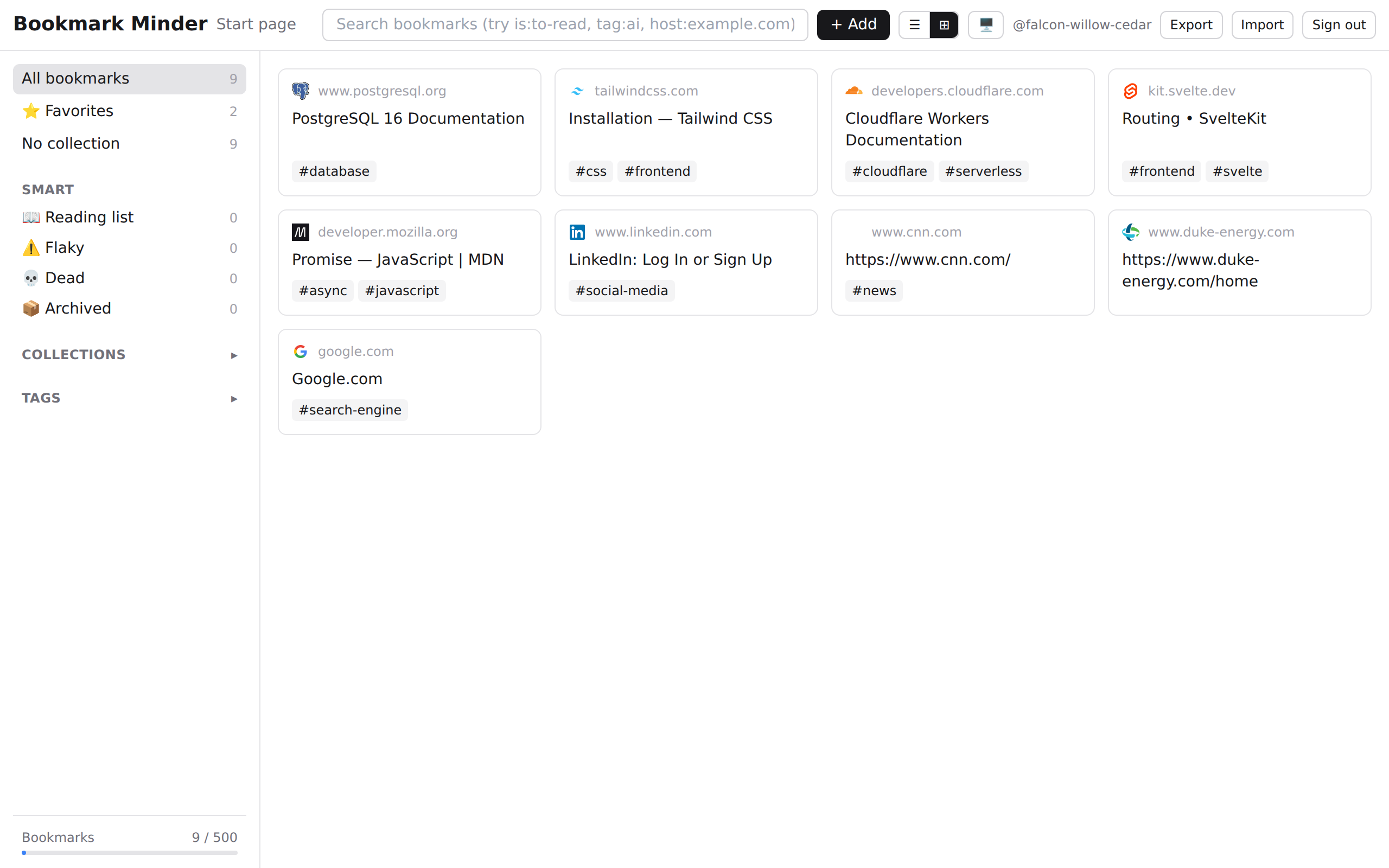
What's included
Built for people who save a lot of links and actually want to find them later.
Full-text search with operators
Find any bookmark by title, URL, description, or note. Use operators to narrow results: is:unread, tag:name, in:collection, or url:domain.
Tags and collections
Organize links with tags (flexible, many-to-many) and nested collections (hierarchical). Filter the sidebar to any combination instantly.
One-click browser import
Import your entire browser bookmark library from Chrome, Firefox, Safari, or Edge. Bookmarks deduplicate by URL so you won't end up with duplicates.
Shared links
Share individual bookmarks or entire collections via a public link. Revoke access anytime.
Data export
Download your full library as JSON at any time. No lock-in. If you ever want to leave, you take your data with you.
Dark mode
Follows your system preference by default. Switch manually from the header toggle. Preference is saved per account.
Keyboard shortcuts
N to add a new bookmark. ⌘K or / to open the command palette. Ctrl+A to select all. Esc to clear selection.
Right to erasure
Delete your account and all data at any time from Settings. Immediate deletion or 90-day grace period — your choice.
All features are available on the free plan with usage limits.